

.png)
Open the Settings app on your phone and go to Apps.
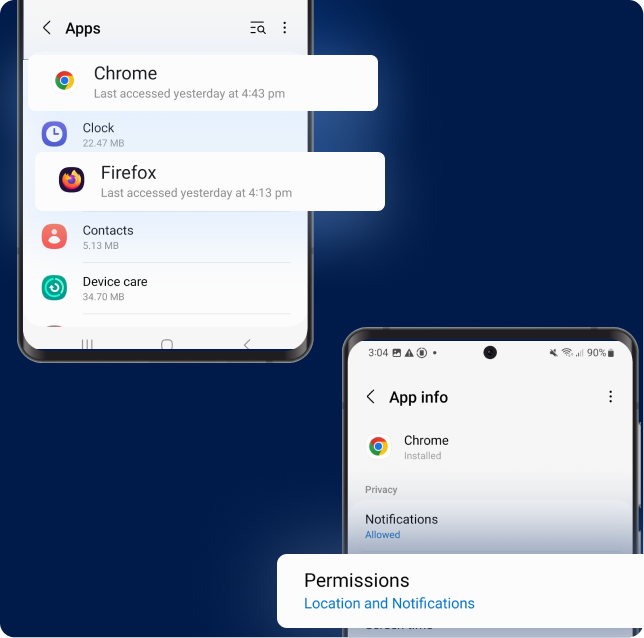
Open your browser's settings (e.g. Chrome, Firefox or Samsung Internet), then tap Permissions.
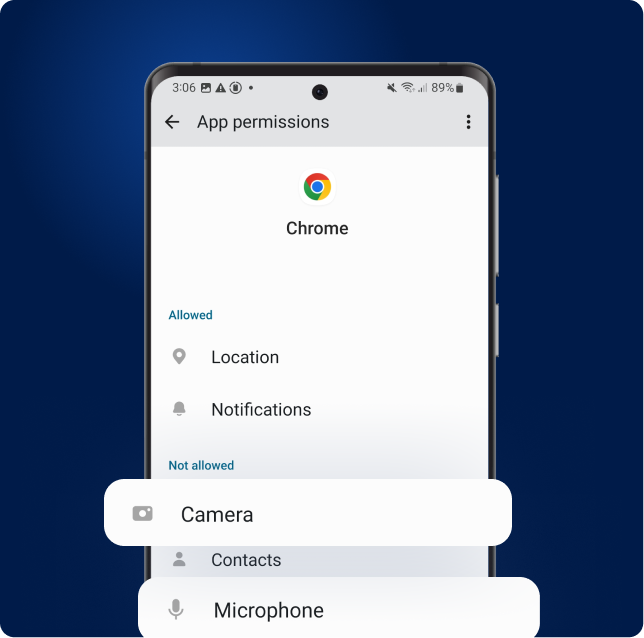
Tap Camera or Microphone. Complete these steps one permission at a time.
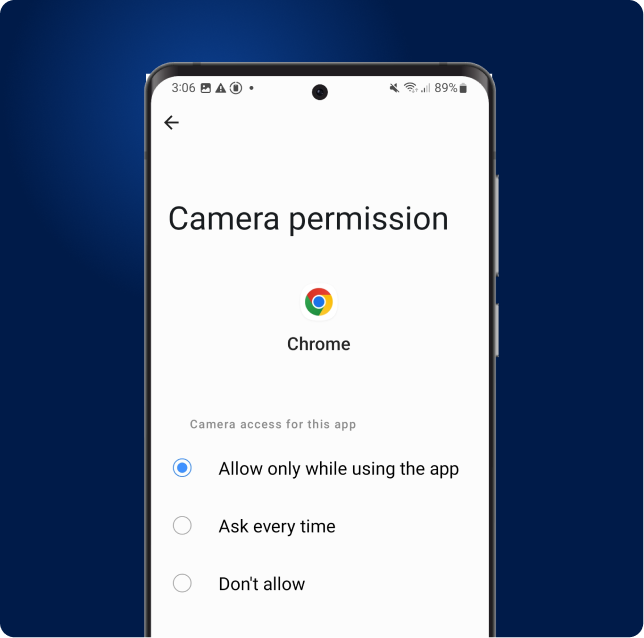
Set the permission to Allow.
Avoid Ask every time and Don't allow.
Some Android devices (especially Samsung phones) use a Privacy dashboard:
1. Open Settings → Security & Privacy → Privacy.
2. Tap Permission manager.
3. Tap Camera or Microphone.
4. Find your browser (e.g. Chrome or Samsung Internet) and make sure the permission is set to Allow.
Repeat these steps for the other permission.
.png)
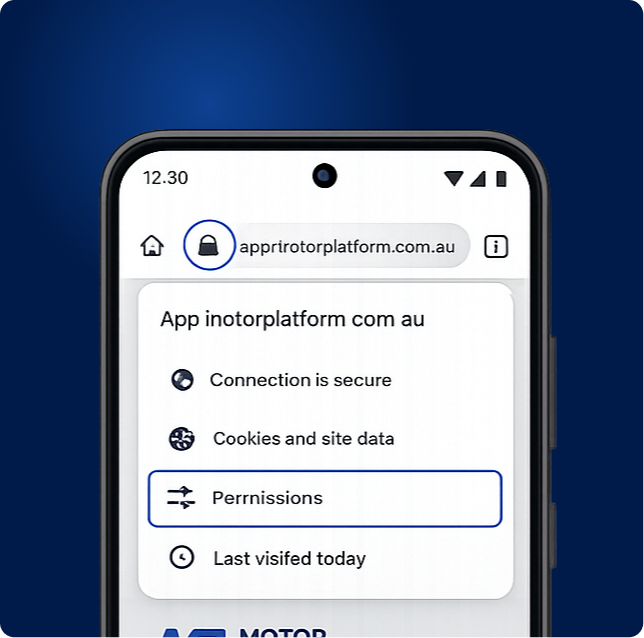
Tap the lock icon in the address bar, then select Permissions.
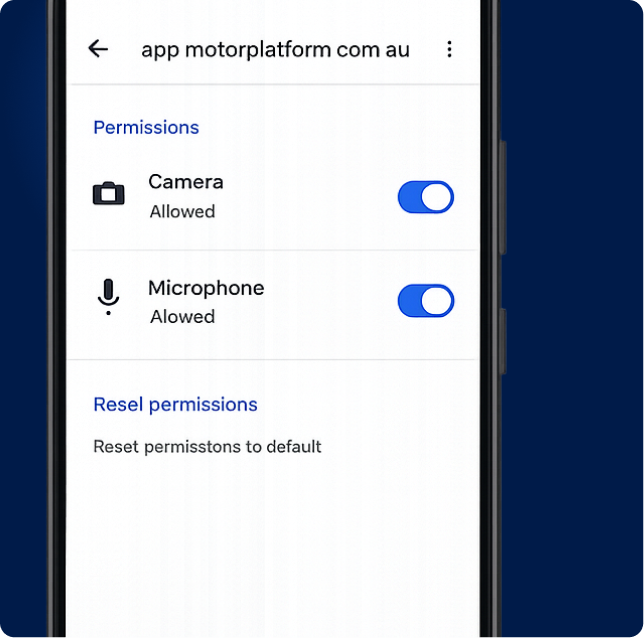
Turn Camera and Microphone on, then refresh the page.