

.png)
Open the Settings app on your phone and go to Location.
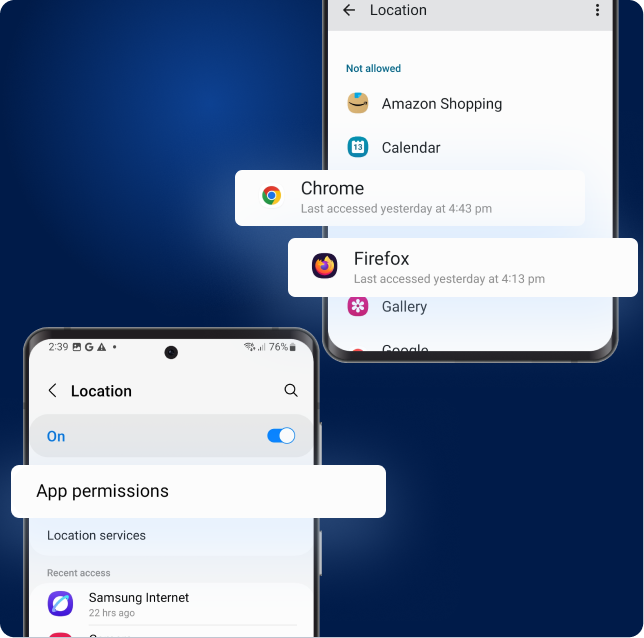
Tap App permissions, then select the browser you’re using (Chrome or Firefox).
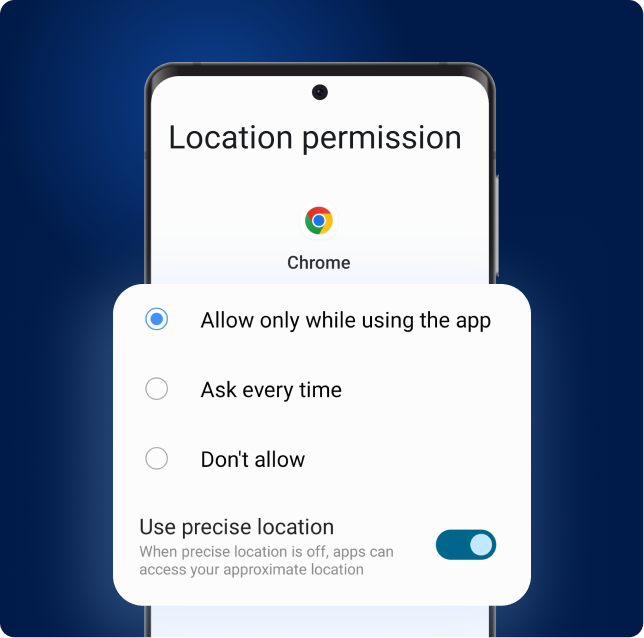
Tap "Allow only while using the app", and make sure "Use precise location" is ON
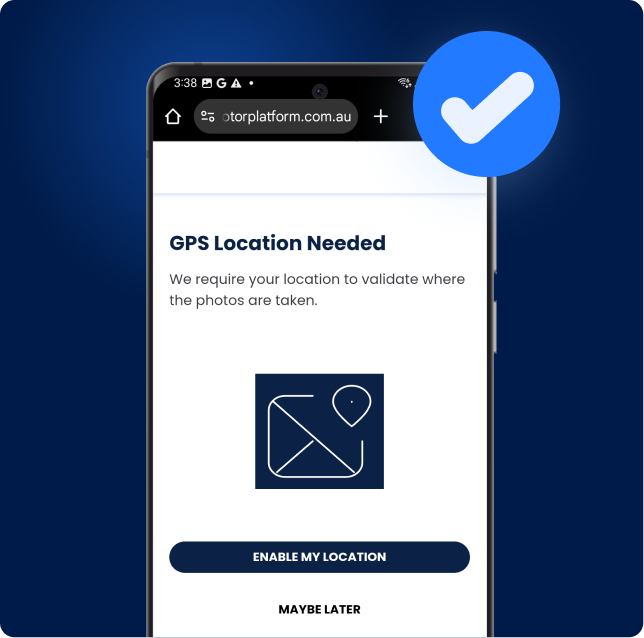
Go back to the vehicle inspection page and refresh. Your location should now work.
If it’s still not working, that means the site is blocking, please select the browser you are using
.png)
.png)